Nextop Agentic Workers
Nextop Agentic Workers (NAW) is an automation framework for building teams of AI workers. Connect them like blocks. Run the team.
Each worker is an LLM with a persona, a mission, tools and a checker. Draw the flow, press run, and read every step it took.

Why NAW
- Generality: domain-independent building blocks (workers, tools, flows) let you apply custom work automation across many fields.
- Precise data flow: information passing between agents is defined as an explicit graph, which controls the scope and source of every agent's context.
- Procedural agent construction: API-based agents that run on the ReAct pattern are built by a fixed procedure of definition, structure check and execution.

The NAW frameworkBuild, connect, run, in three steps.

-
Make workers.

Anyone can make a ReAct AI worker. Set a persona, a mission, tools and work documents, and the LLM calls tools and reads the results on its own. Outputs are checked against a JSON Schema and
checks.py, so only results that pass move on, and documents are searched on demand with RAG.- ReAct
- Function calling
- JSON Schema
- checks.py
- RAG
-
Draw the flow.
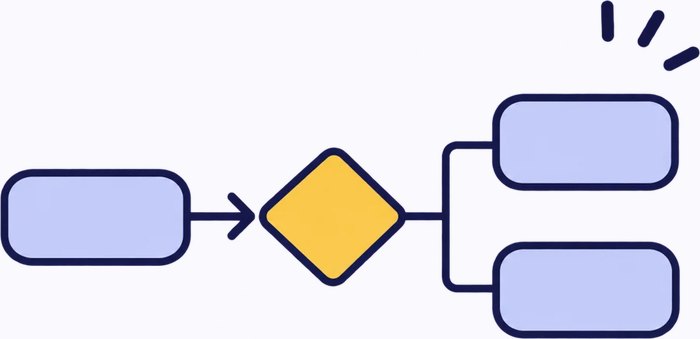
Place workers as blocks and connect them to design the data flow precisely. Each line decides whose output goes to whom and which worker may open which file server. Python function blocks, loops, split / gather parallel runs and human review all fit in one flow.
- Report / share lines
- fs://
- Function blocks
- Split / gather
- Human-in-the-loop
-
Run and look inside.
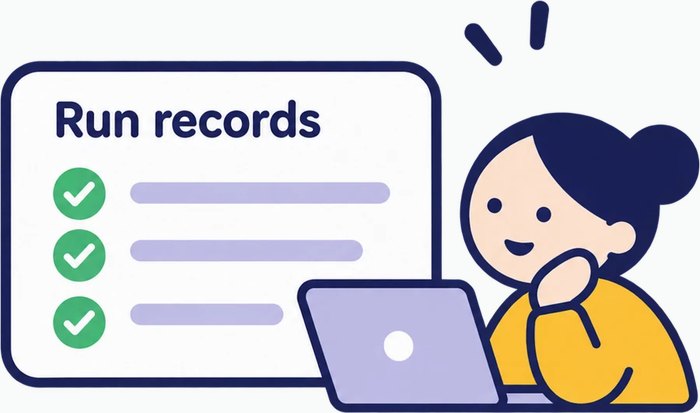
Every block records its prompts, tool calls, outputs and token counts, so you find the problem in the whole flow fast.
nextop checkvalidates the structure before a run, and a failed run canresumefrom that block. Start small, verify, and grow it into an advanced AI service.- Precheck
- Run records
- Token usage
- Resume
Key features
- WorkersPersona, mission, tools, outputs
- CheckersRefuse a wrong output and guide the fix
- FlowDecision, loop and parallel
- File serversShare files and knowledge (RAG)
- Start workersStart the flow and take input
- Function blocksPython steps (no LLM)
- Domain knowledgeEach worker's documents
- Human reviewStop, approve or redo
- StudioMake workers, draw flows, run and inspect
- Run recordsResume from the failed step
Principles
- The LLM writes, the program checks.A checker verifies each worker's output for format and rules, and sends it back with reasons when it is wrong. Whether it passes, and who it goes back to, is decided by code, not by the LLM.
- One worker, one job.Each worker has one narrow role and receives only the material that job needs. A shorter context costs less and keeps judgment sharp.
- Every step is traceable.Who read which material, what came out and what it cost are recorded per block, so results can be verified and reproduced.
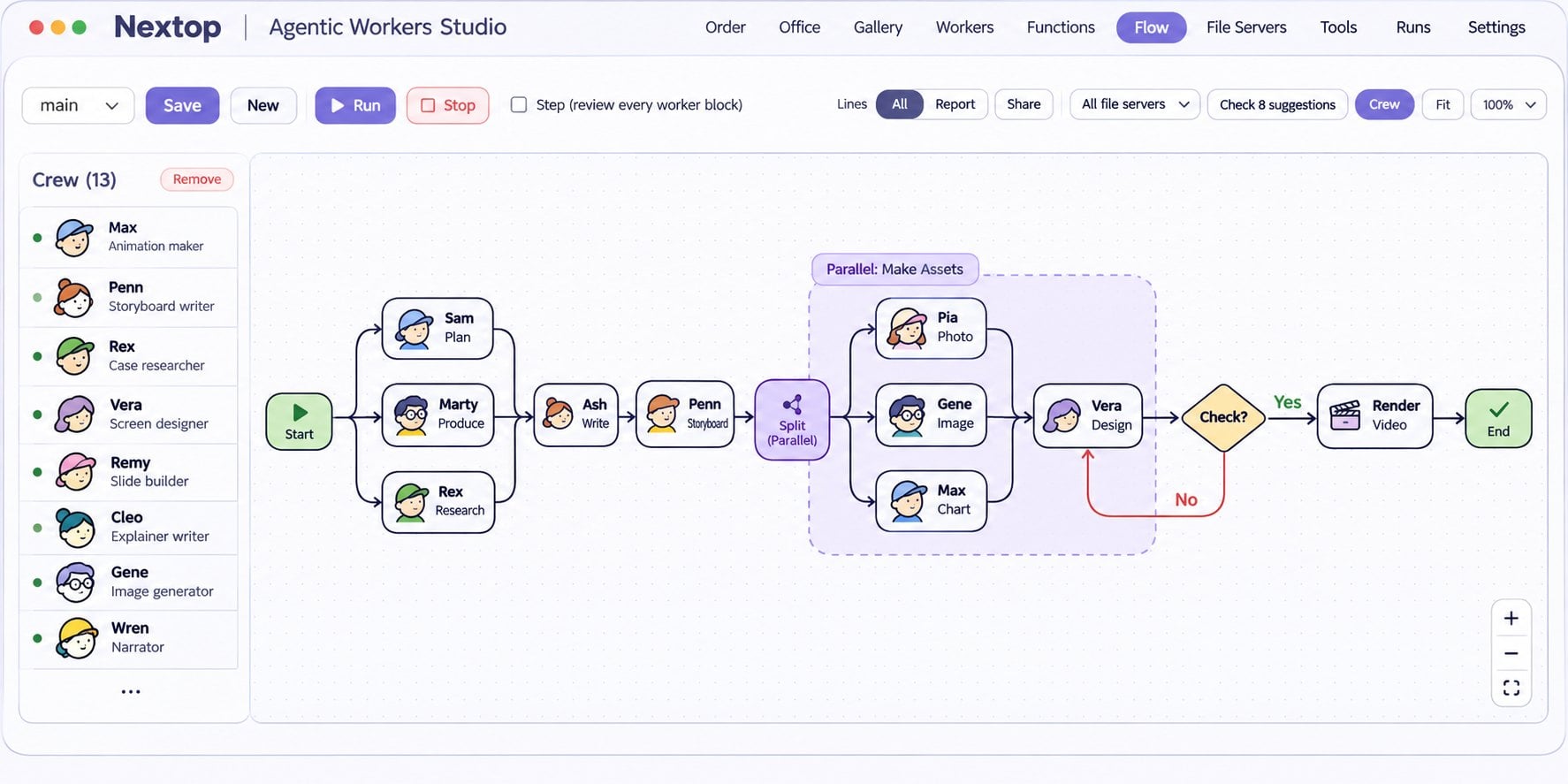
Case study: video content automation
Shoestring Studios is a 13-worker team built with Nextop Agentic Workers. It turns a dense book chapter into a narrated explainer video.
Get startedFrom zero to a first run.
pip install nextop
nextop new myproject --example
nextop studio myproject
nextop run myproject --flow main- Python 3.10 – 3.13
- Windows (x64), Linux (x86_64, ARM64)
- macOS (Intel, Apple silicon)
- No other packages required
- nextop 0.2.0 on PyPI ↗
new makes a project folder with one example worker and flow. studio opens the studio in your browser at http://127.0.0.1:8765; add your LLM server and key under SETTINGS (any OpenAI-compatible server). To shrink large images before workers see them: pip install "nextop[images]"
nextop new | Create a project folder, with guides for AI coding assistants | nextop resume | Continue a run from its failed block |
|---|---|---|---|
nextop studio | Open a local screen: add workers, draw flows, set up file servers | nextop review | Decide on a block waiting for human review, then continue |
nextop check | Run the structure check | nextop ask | Ask one worker an open question |
nextop run | Run a flow | nextop inspect | An LLM reads one worker's parts and lists contradictions |
nextop index | Build domain knowledge maps and indexes | nextop docs | Refresh the guides for this nextop version |
License and pricing
- Free: including at work, for companies with fewer than 100 people (employees and contractors) and less than USD 1,000,000 revenue in the prior tax year. PolyForm Small Business License 1.0.0.
- Commercial license: for larger companies.
- Distributed as compiled wheels.
- Commercial licenses, custom builds and finished teams: ksh4642@nextopologix.com
Need help?
Free for individuals and small companies. Training, maintenance, custom automation and technical support are always welcome.
Email usFAQ
Which LLMs can I use?
Any model that supports tool calling (function calling) works. With an OpenAI-compatible API, a commercial service or a server you run yourself connects as soon as you enter its address and key; other APIs connect by adding one connector file. Each worker can use a different model.
How is this different from LangGraph / CrewAI?
Each worker gets only its share. Results travel only along the lines you draw, and file servers open only to the workers you allow. What each worker read and produced is all recorded.
Does my data leave my machine?
Only to the LLM and embedding servers you set up, and to the services called by the tools you give your workers. The studio runs on your own machine at 127.0.0.1, and projects and run records stay in your project folder.
Can I use it commercially?
Yes. Companies with fewer than 100 people (employees and contractors) and less than USD 1,000,000 revenue can use it free at work. Larger companies need a commercial license — email us.
Can I edit without the studio?
Workers, flows and knowledge are plain files in your project. Edit them in any editor or with an AI coding tool, and the studio reads the same files.